Price Lookup by Item
Look up and compare online product prices across various item categories.
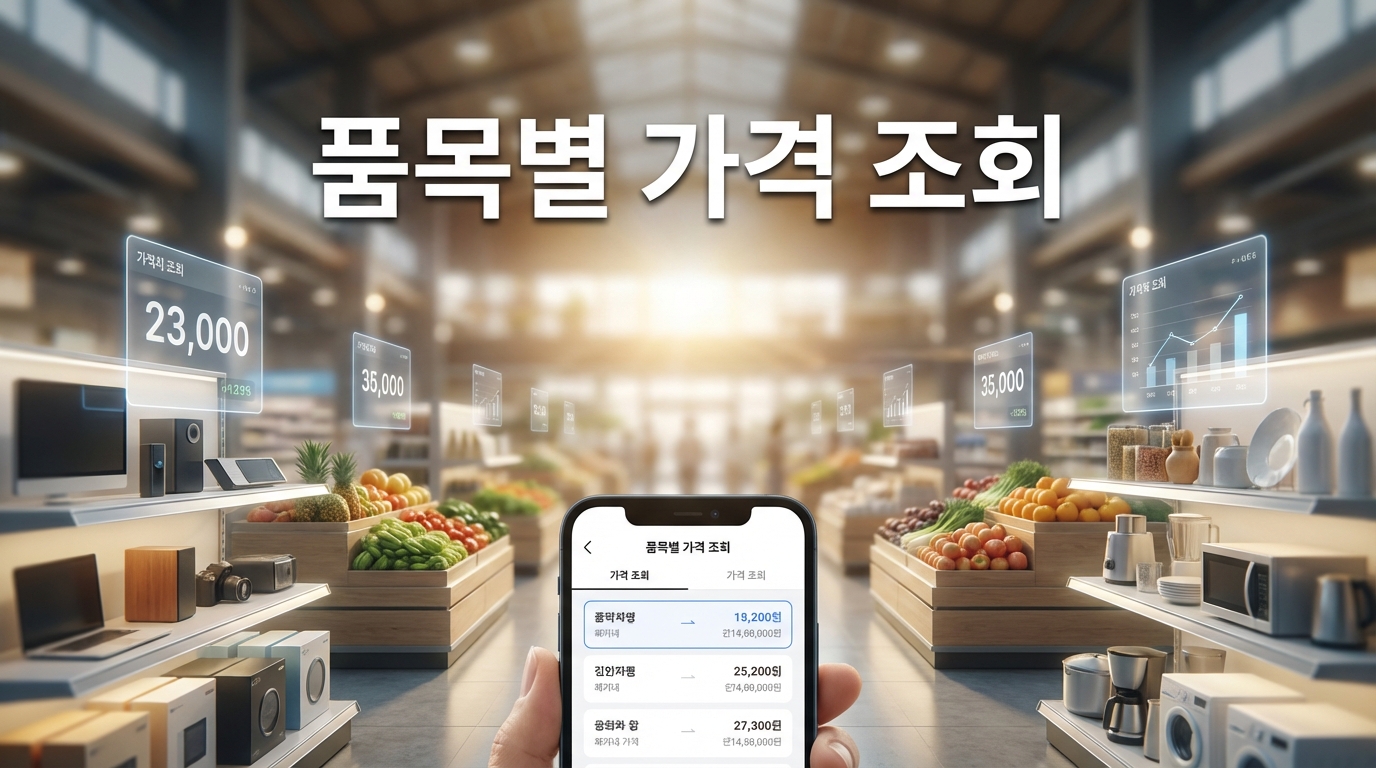
Price Lookup Guide
What is Price Lookup?
Price Lookup is an information tool that utilizes the Korean Public Data Portal's (data.go.kr) online price collection API to search, compare, and track prices of everyday consumer products across multiple categories. The Korean government, through the Ministry of Economy and Finance and the Korea Consumer Agency, systematically collects price data from major online shopping platforms to monitor consumer price trends and promote market transparency. This tool provides access to that government-collected data, covering categories such as food and groceries, clothing and apparel, home appliances and living goods, medical supplies and health products, electronics and sporting goods, and daily necessities. By providing aggregated price statistics including average prices, minimum and maximum prices, and price trends over time, this tool helps consumers make informed purchasing decisions, track price fluctuations, and identify the best times to buy. The data is particularly valuable for understanding price trends of essential goods, comparing prices across different brands and retailers, and monitoring inflationary pressures on household budgets.
How to use
Step 1: Select a product category from the dropdown menu. Available categories include Food (식품), Clothing (의류), Appliances & Living (가전/생활), Medical (의료), Electronics & Sports (전자/스포츠), and Daily Necessities (생활필수품). Each category contains specific items that are regularly monitored by the government price collection system.
Step 2: Choose a specific item within the selected category. The item list updates dynamically based on the selected category. Items range from basic food staples like rice, eggs, and cooking oil to electronics, clothing items, and household goods.
Step 3: Set the date range for your price search. You can specify a start date and end date, with a maximum range of 30 days per query. This limitation is imposed by the underlying government API. For longer-term trend analysis, you can perform multiple searches across consecutive 30-day periods.
Step 4: Click the Search button to retrieve price data. The system queries the Public Data Portal API and returns all available price records for the selected item within the specified date range.
Step 5: Review the results, which include a Price Summary section showing the number of products found, average price, lowest price, highest price, and latest recorded price. Below the summary, individual product listings show product names, specific prices, and price changes over the selected period. Use this information to identify the best deals and understand market pricing for the items you need.
Price Statistics
The price statistics are calculated from the collected data points within the specified date range:
Average Price = Sum of all recorded prices / Number of price records
This represents the arithmetic mean across all products and dates in the query period. It gives a general sense of market pricing.
Lowest Price = Minimum price found across all records in the period
Identifies the cheapest recorded instance of the item, useful for bargain hunting.
Highest Price = Maximum price found across all records in the period
Shows the upper end of market pricing, often reflecting premium brands or full retail prices.
Latest Price = Most recently recorded price in the dataset
Provides the current market level for comparison purposes.
Price Change = (Latest Price - First Price) / First Price × 100%
Measures the percentage change from the earliest to the most recent price point in the selected period, indicating whether prices are trending up or down.
Discount Price vs. Regular Price:
When both a regular price and a discount/sale price are available for a product, the statistics prioritize the discount price. This ensures that the average and comparison figures reflect actual consumer costs rather than inflated list prices.
Note: Prices are collected from online retail platforms and may not reflect in-store prices, bulk discounts, or membership-exclusive pricing at physical retail locations.
Useful tips
1. Seasonal Price Patterns: Many product categories exhibit predictable seasonal price fluctuations. Fresh food prices tend to spike during monsoon season (July-August) and before major holidays like Chuseok and Lunar New Year. Electronics and appliances often see price drops during major shopping events like Black Friday (November), year-end clearance sales, and new model release periods. Understanding these patterns can help you time major purchases for maximum savings.
2. Comparing Across Brands: The same product category may show a wide price range depending on brand, size, and packaging. When reviewing search results, pay attention to unit prices rather than total prices to ensure fair comparisons. A larger package may have a higher total price but a lower per-unit cost.
3. Tracking Price Trends: Use multiple 30-day searches to build a longer-term view of price movements. If a product's price has been steadily declining, waiting a few more weeks might save money. Conversely, if prices are rising, purchasing sooner rather than later could be advantageous.
4. Understanding Data Sources: The prices in this tool are collected from major Korean online shopping platforms by government agencies. They represent actual listed prices at the time of collection, not manufacturer suggested retail prices. However, flash sales, coupon discounts, and member-exclusive pricing may not be captured in the data.
5. Food Price Intelligence: For grocery shoppers, this tool is particularly useful for tracking the prices of staple items like rice, eggs, meat, and cooking oil. Korean food prices are heavily influenced by agricultural conditions, import costs, and government subsidy programs. Monitoring price trends can help you adjust your shopping list to focus on items that are currently priced below average.
6. API Limitations: The 30-day query limit is an API constraint. If you receive fewer results than expected, the item may have limited price data points during the selected period. Try broadening your date range or selecting a more commonly tracked item. Some niche products may only have sparse data availability.
FAQ
Related Calculators
BMI Calculator
Gas Station Price Lookup
Electricity Bill Calculator
Waste Disposal Info
Nearby Gas Station Map
Car Sharing Zone Lookup
Holiday & Anniversary Calendar
Clock / Stopwatch / World Clock
Postal Code Search
Food Nutrition Lookup
Population & Household Statistics
Public Service (Government Benefits) Lookup
My IP Address
Recipe Lookup
Text Extractor
Regional Job & Business Announcements